
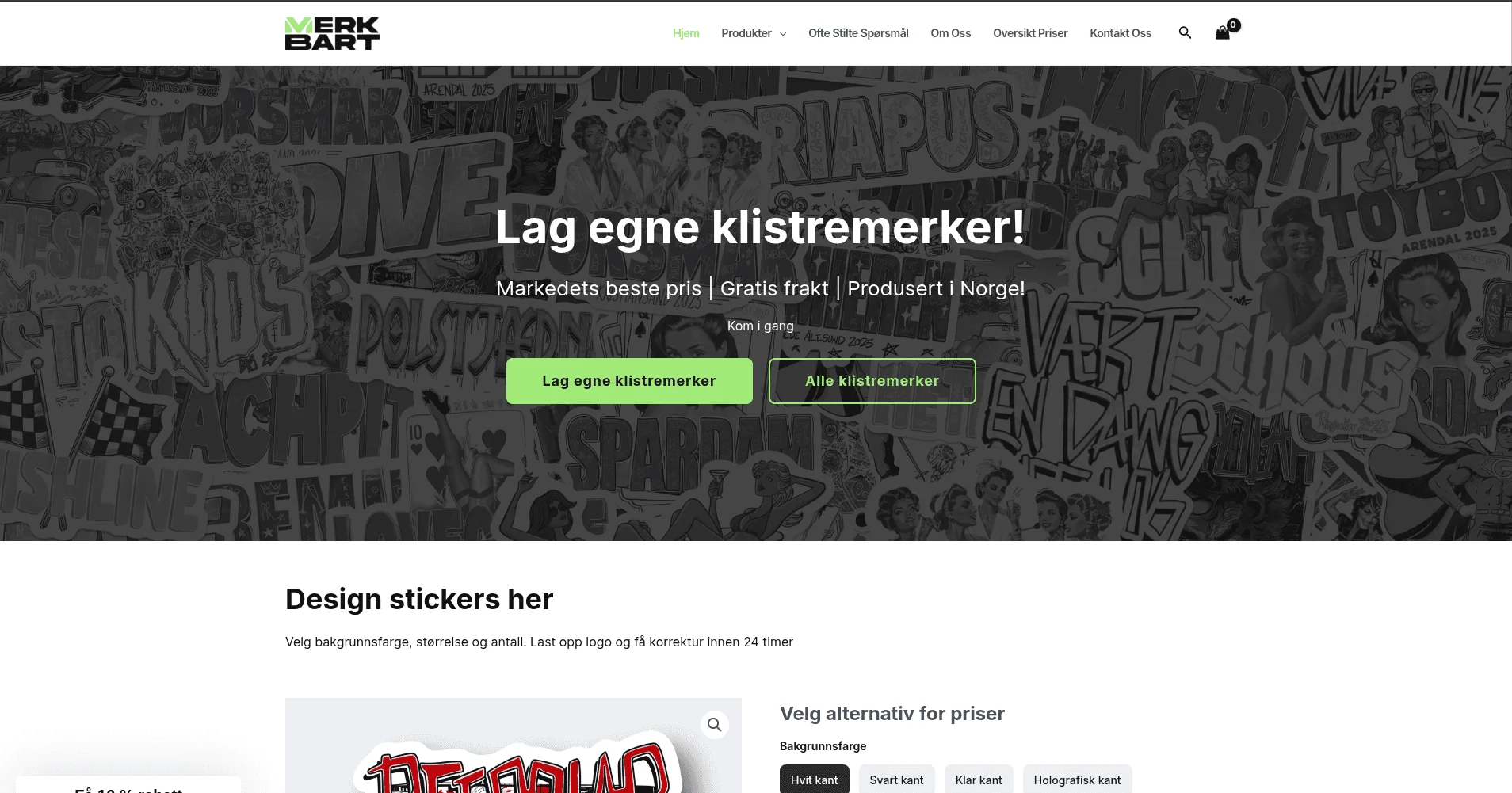
The problem
MerkBart is a Norwegian custom sticker and print shop, selling to both individual customers and businesses. Before I got involved, every part of the site fought back. A customer uploading three or four logos for a sticker order could freeze the WooCommerce admin panel for minutes. Generating an invoice for printing was a gamble, it either finished or timed out. Setting a sale price meant clicking into hundreds of product variants one at a time, and running a quantity discount meant calculating each product’s total by hand before typing in a percentage. The store was also running on shared hosting that couldn’t keep up with any of it.
We were managing everything manually. Upload a few logos and the whole backend would stop. Our team was spending more time fighting the website than serving customers.
~ Filip J, Founder
I started working with MerkBart in January 2024 to rebuild the site, and I’m still their developer today. This case study covers that first rebuild, we’ve shipped several other projects together since.
What I built
I rebuilt the store from the ground up: new theme, no bloat, and a set of custom plugins built around how MerkBart’s team actually works, not how a generic WooCommerce store works.
Invoice downloads that don’t freeze the admin
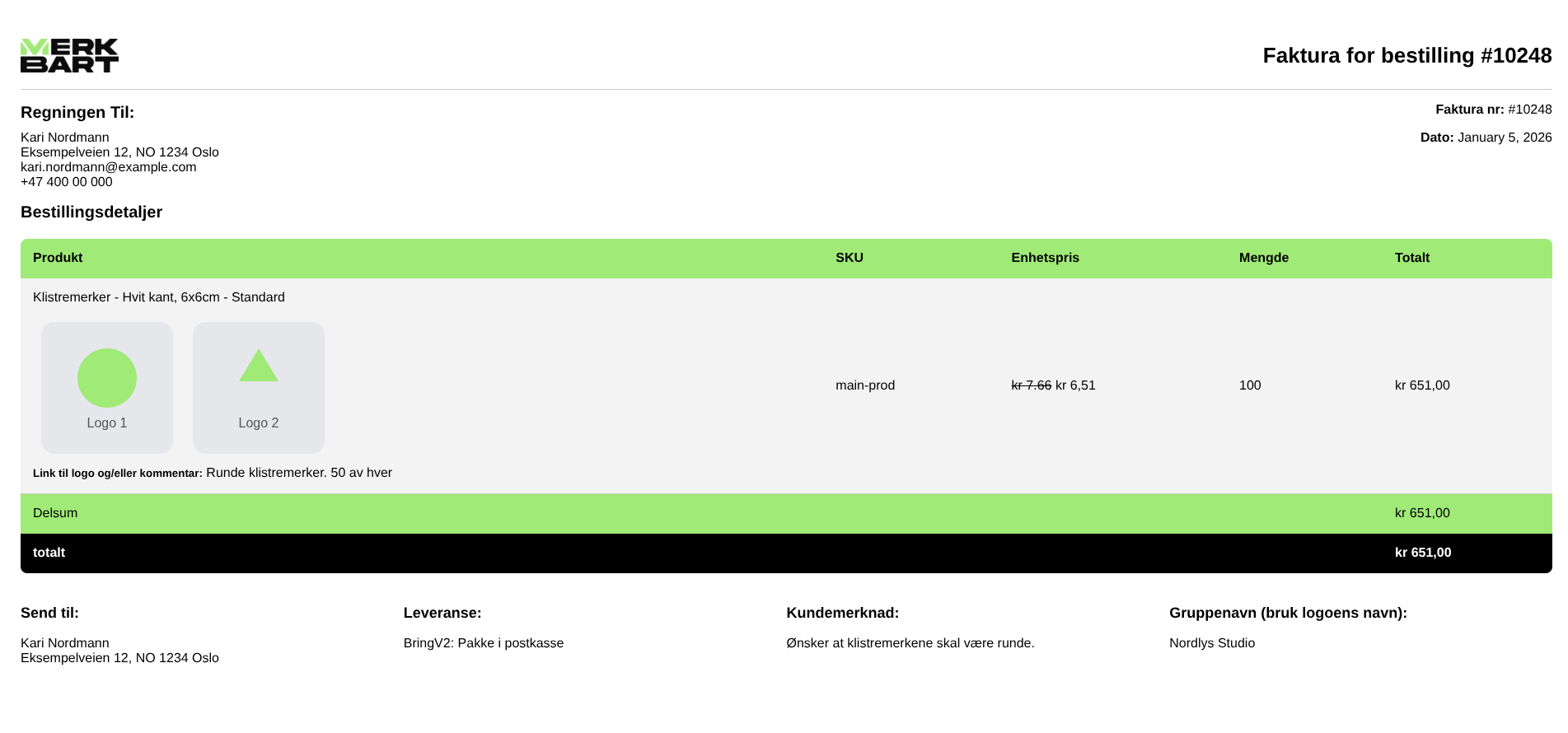
The biggest daily pain point was invoices. Off-the-shelf plugins choked on orders with multiple uploaded logos and custom dimensions, that’s what was causing the freezes. I built a custom plugin on mPDF that pulls in every order detail, including the customer’s uploaded artwork, and renders a print-ready PDF in seconds instead of the multi-minute freeze it used to cause. One click, done.
One-click sale pricing
Before, running a store-wide sale meant opening every variant and typing in a new price, hundreds of them, by hand. I built a plugin that lets MerkBart set a sale percentage once, apply it to specific products, all products, or everything except a chosen exclusion list, and it updates instantly. What used to be an afternoon of clicking is now one click.
Quantity discounts based on order value, not guesswork
The old discount plugin needed a separate discount tier typed in for every product and every variant. Since products were priced differently from each other, that meant manually working out the total value of an order before setting the percentage and quantity threshold, for every single item. One typo and there was no easy way to catch it.
I replaced it with a plugin based on order value instead of per-product tiers: set “10% off orders over 1,000 NOK” or “20% off orders over 2,000 NOK,” pick which products it applies to, and the system does the math. What used to take hours to configure now takes minutes, and it’s correct every time.
Checkout that handles logos, discounts, and Nexi
I rebuilt the checkout to show the customer’s uploaded logos directly on the cart and checkout pages, with every discount already applied and visible before they pay. I also added Nexi as a payment option alongside the default WooCommerce checkout, since that’s what Norwegian customers expect to see.
Business orders, without cluttering individual checkout
B2B customers need fields that don’t exist in standard WooCommerce, Bedriftsnavn (company name), Kontaktperson (contact person), Organisasjonsnummer (organization number), and Fakturareferanse / Prosjekt-ID (invoice reference / project ID). I built a toggle: flip it on and those fields appear; leave it off and individual customers get the normal, uncluttered checkout.
Logo uploads that make sense
The old upload form showed two static fields whether the order needed them or not. I rebuilt it so upload buttons appear based on what the order actually needs, capped at two logos, with tighter validation so customers can’t accidentally upload more than allowed.
A topbar the team can run themselves
MerkBart runs different promotions for business and individual customers, so I built a plugin that lets them set a countdown timer and message for the topbar, and choose a separate message for business product pages, right from a dropdown. No developer needed to change a banner.
A thank-you page worth looking at
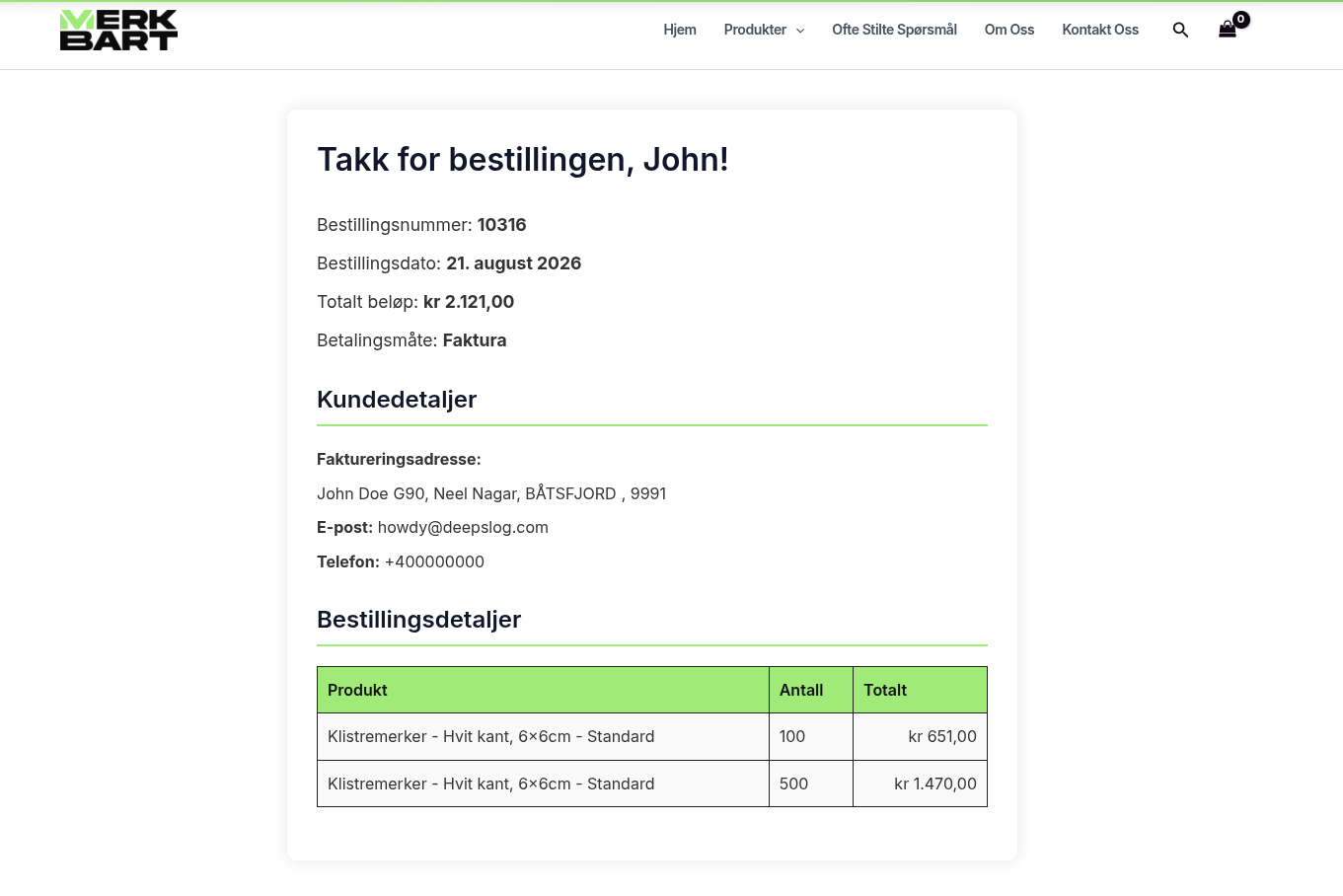
After checkout, customers land on a MerkBart-branded page showing their order summary, uploaded logos, and a one-click invoice download, instead of the generic WooCommerce confirmation screen.
Making it fast to run, not just fast to load
- AWS Lightsail instead of shared hosting, no more neighboring sites eating the server’s resources
- S3 + CloudFront for every uploaded logo, so customer files don’t pile up on and slow down the actual server
- Twice-daily backups to S3, keeping the most recent 50, restorable in a couple of clicks
- A separate staging server, not just a WordPress backup, a full server-level clone, so changes get tested before they touch the live site
- Weekly full-server snapshots for disaster recovery on top of the daily backups
- Order data synced to a Google Sheet automatically, so the manufacturing staff has a live view without touching the WordPress admin
Getting the custom fields to show up where staff actually work
MerkBart’s manufacturing team doesn’t work out of the main WordPress admin, they use a WordPress.com account with Jetpack. Custom checkout fields don’t show up there by default, which meant orders could land in the staff’s actual working view without the business details (org number, invoice reference) they needed to fulfill them correctly. I wrote the logic to push that data into the order meta so it displays correctly in the Jetpack view too.
Norwegian, properly
MerkBart’s staff work in Norwegian, so I used Loco Translate to localize the backend, then went further, since a lot of the strings that plugins introduce don’t get picked up by translation tools automatically. Customer and admin emails are custom-built too, in Norwegian, and editable from the admin panel without touching code.
What actually changed
| What changed | Before | After |
|---|---|---|
| Uploading logos on an order | Admin panel froze for minutes | No freeze |
| Downloading an invoice | Slow, would sometimes time out | A few seconds, one click |
| Setting a store-wide sale | Editing hundreds of variants by hand | One click, set a % |
| Setting up a quantity discount | Hours of manual math per product | Minutes, rule-based |
| Page load speed | Shared hosting, slow | Roughly 4× faster, on AWS |
| Sales, 3 months after launch | Baseline | Doubled |
Three months after launch, Filip told me sales had doubled.
What the client said
“He made our website from the bottom, both backend and front end. Very happy with the result. Quick and very good at finding solutions for the issues we found.”
- Filip J, MerkBart
Still working together
I started with MerkBart in January 2024, and I’m still their developer. Since the original rebuild, I’ve kept the infrastructure running, added features as the business grew, and used the staging environment to test changes before anything goes live, so the site stays stable while it keeps changing. We’ve worked on several other projects together too, those are separate case studies.